
Today, before anything moves
The operations console opens on what matters this morning: bookings going out, bookings due back, counts waiting to be accepted, and units sitting in maintenance. Not a chart of last quarter - the work in front of you.
WAREHOUSE MANAGEMENT
Most of the arguments in a rental business are two people describing the same stock from two different records. There is one record here, and both ends of the building read it.
● 14-day free trial. No card required.
The operations console opens on what matters this morning: bookings going out, bookings due back, counts waiting to be accepted, and units sitting in maintenance. Not a chart of last quarter - the work in front of you.
Overbooked items, overdue returns, low stock, overdue invoices - one feed, worst first, and every row links to the screen that fixes that particular problem rather than to a dashboard you then have to navigate out of.
Knowing an item is overbooked is not enough to fix it. The conflicts screen lists every booking contending for the same units, ordered by the date it goes out, with its size and its customer - because deciding whose order gets cut needs all the claims side by side.
Every change to a quantity writes its own adjustment row, in the same database transaction as the change. There is no separate log to remember to update, and no way to move stock without leaving a trace.
QUESTIONS
One screen showing what goes out today, what is due back, what is already overdue, counts waiting to be accepted, and units sitting in maintenance. Every figure on it opens the list it counted, filtered exactly the way the number was worked out.
The load-out screen counts each line as it is loaded, so the booking holds both what was promised and what physically went. Loading short is recorded rather than argued about later, and the return reconciles against what left rather than against what was ordered.
It holds the van, the crew and the day for each run, and creates the collection run the moment a delivery is scheduled so a due-back date is never quietly forgotten. Booking the same vehicle or the same person twice in one day is refused unless somebody overrides it by name - though a morning drop and an afternoon pickup are an ordinary day, not a clash.
The conflicts screen lists every booking contending for those units, in the order they go out, with the size of each claim and the customer behind it. Knowing an item is short does not help; seeing whose orders are competing for it is what lets somebody decide.
Yes, for every quantity in the system. The audit log is filterable and paged, and an item's own history merges its adjustments with the bookings it went out on, so a single item's page tells you it went to a wedding and what came back, not only that a number changed.
WHO USES IT
BLOG
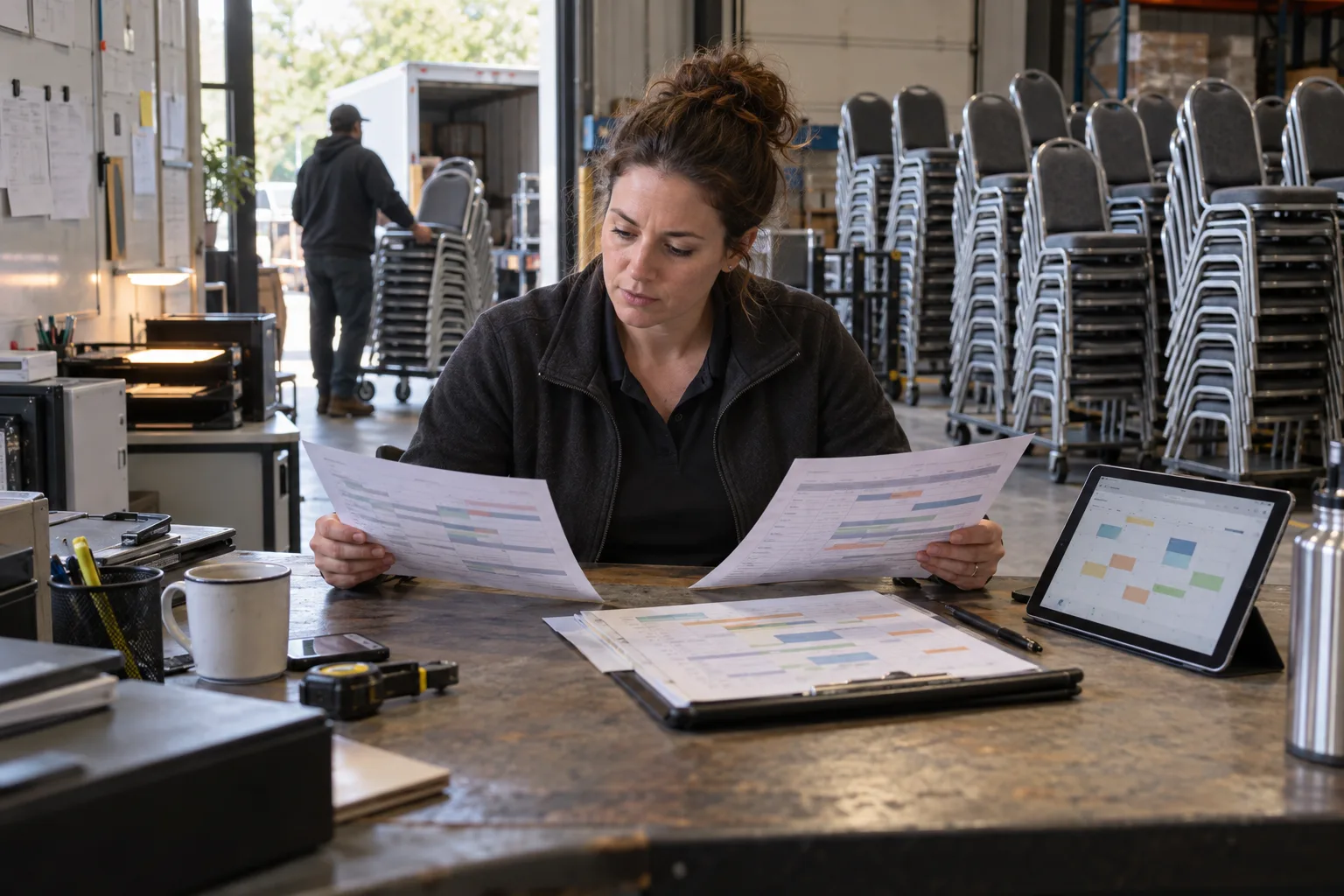
Double-booking is a record-keeping problem, not a discipline problem. Here is why availability spreadsheets fail, and the four rules that stop the same stock being promised twice.
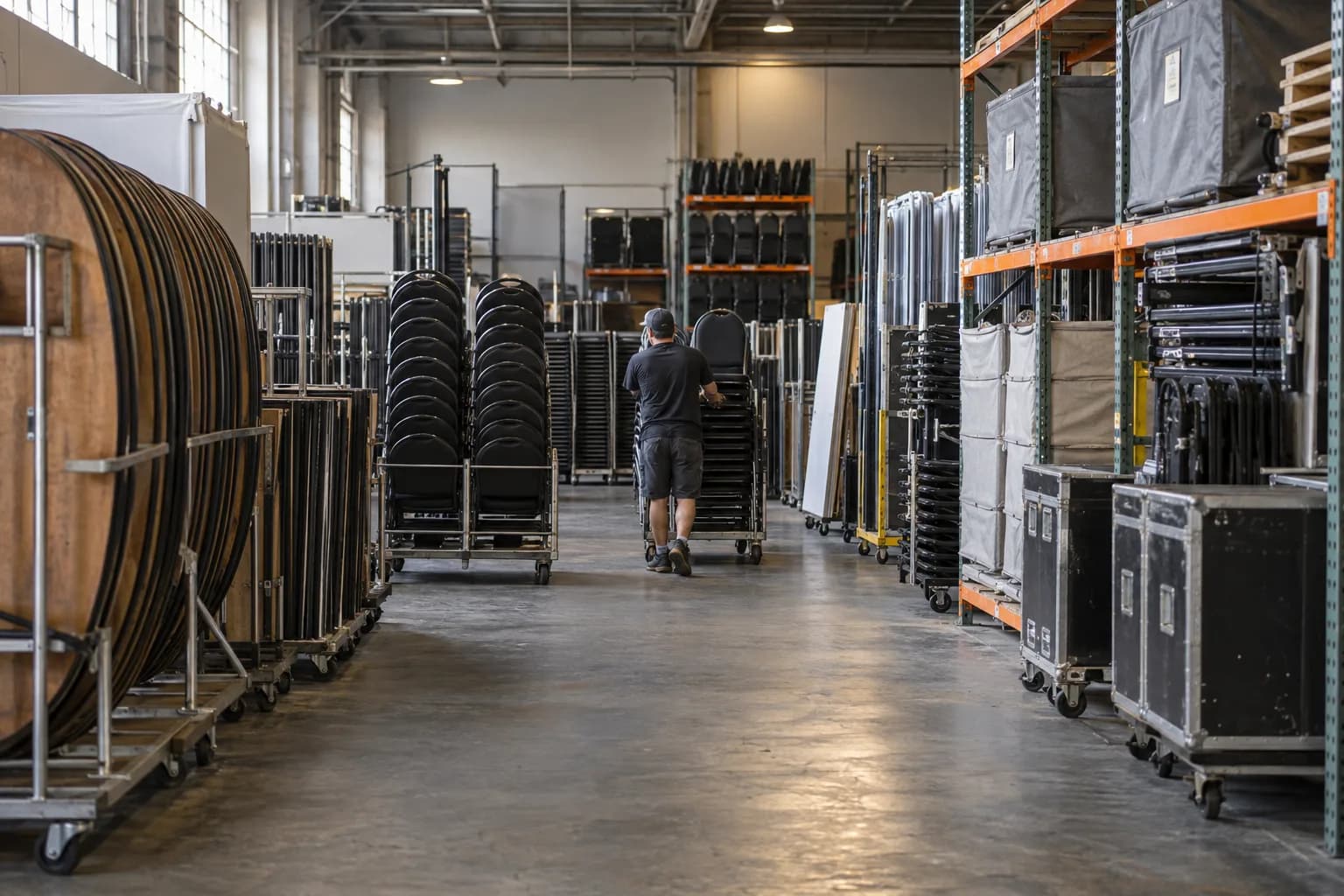
Zones, positions, staging areas and a counting routine that survives a busy weekend. A practical layout guide for event and party rental warehouses.
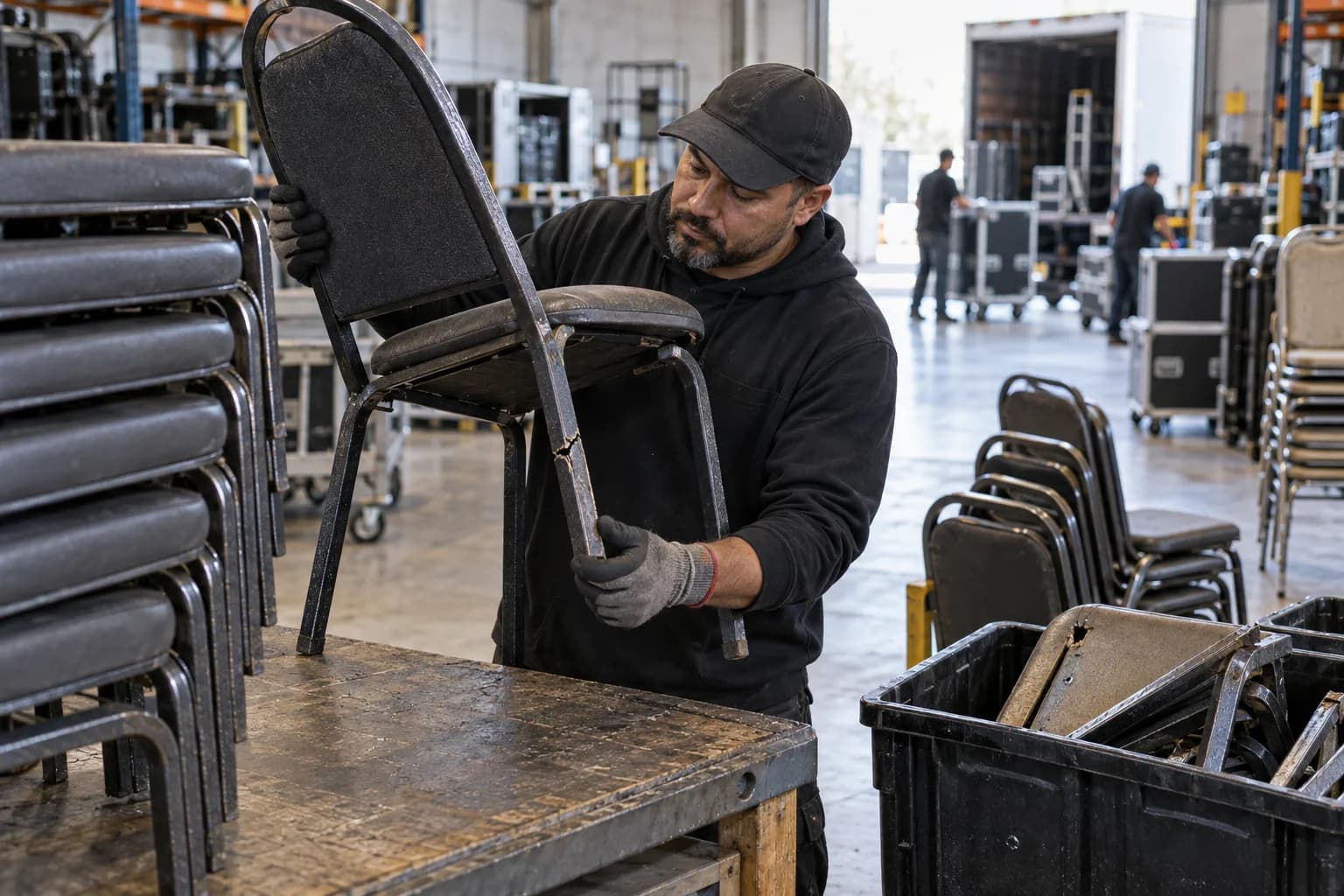
Damaged, in maintenance, missing and retired are four different things. Keeping them apart is what turns loss from a mystery into a number you can act on.
Load what you rent, in the quantities you have, and check a date. That is the whole first session.